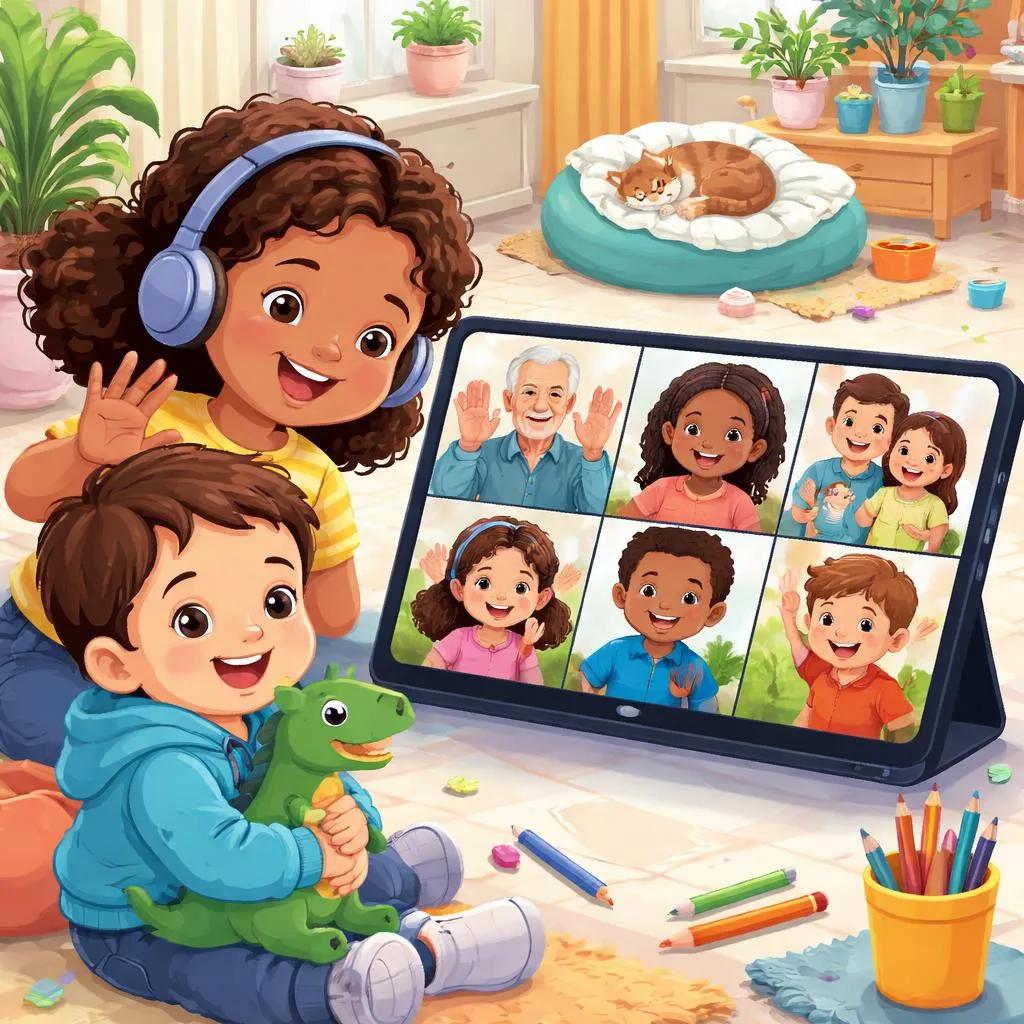

What is a video call?
Hello, tech-savvy learners. Today, we are going to learn about a wonderful piece of modern magic. We are going to learn about a video call. What is that. A video call is a way to talk to someone and see their face on a screen at the same time, even if they are very far away. It is like a telephone that has a television attached to it.
Think about talking to your grandma on the phone. You can hear her, but you cannot see her smile. With a video call, you can see her smile right on your tablet, computer, or phone. You can show her your new toy. She can read you a story and you can see the pictures in the book. A video call makes the distance feel smaller. It helps us stay connected with the people we love. Let's learn all about how this amazing tool works and how to use it safely and kindly.
Meaning and explanation
So, how does a video call actually work. It uses technology to send two things at once: pictures (video) and sound (audio). Your device has a camera. The camera takes a video of you. It also has a microphone that records your voice. Then, the internet sends that video and audio to the other person's device almost instantly.
Their device has a screen that shows your video and speakers that play your voice. At the same time, their camera and microphone are doing the same thing, sending their video and voice back to you. It is a two-way street for sight and sound. This lets you have a real-time conversation, just like you are in the same room. The most important part of a video call is the connection—not just the internet connection, but the heart connection between the people talking.
Categories or lists
People use video calls for many different reasons. Let's look at some of the most common types.
Video Calls for Family and Friends: This is the most fun kind. It is for staying close. Grandparent Calls: To chat, share stories, and see each other regularly.
Parent Calls: When a parent is traveling for work, they can call to say goodnight.
Friend Playdates: Kids can have virtual playdates to show toys, draw together, or just be silly.
Video Calls for Learning: These calls help us learn new things. Online Lessons: Teachers can teach a whole class or give one-on-one help through a video call.
Tutoring: A tutor can help with homework or a special subject.
Virtual Field Trips: A class can "visit" a museum, zoo, or aquarium by joining a video call with a guide there.
Video Calls for Help and Appointments: Sometimes, video calls are for getting things done. Doctor Visits (Telehealth): A doctor can talk to you and a parent on a video call for a check-up or advice.
Music Lessons: A music teacher can watch you play an instrument and give instructions.
Daily life examples
You can see and use video calls in your own life. Here are two common scenes.
Weekly Chat with Family Far Away: Every Sunday afternoon, your family might have a video call with your cousins who live in another state. You all gather around the tablet. You take turns talking. You might show them your new pet hamster running on its wheel. They might show you the fort they built in their living room. Your aunt asks you about school. It feels like a family visit, even though you are miles apart. This shows how a video call can keep your family close.
Joining an Online Reading Group: Your local library might have a storytime video call. You and other children join the call. The librarian appears on the screen with a big book. They read the story aloud, showing the pictures to the camera. Sometimes, they ask questions and you can raise your hand (using a button or actually raising your hand) to answer. It is a fun way to enjoy a story and see other kids, all from your own home. This is a video call for learning and fun.
Printable flashcards
Printable flashcards can help you learn the parts of a video call and how to use it well. Create a "Video Call Equipment" set.
Make cards with pictures of the tools you need. One card has a picture of a tablet with a camera. The word on the back is "DEVICE." Another card shows a close-up of a camera lens: "CAMERA." Another shows a microphone: "MICROPHONE." Another shows a speaker: "SPEAKER." Another shows a Wi-Fi symbol: "INTERNET CONNECTION." Kids can match the picture to the word and learn what each part does.
Another great printable is a "Video Call Manners" chart. Create a simple poster with friendly pictures and rules. A picture of a child looking at the screen: "Look at the camera to make eye contact." A picture of one person talking and another listening: "Take turns talking." A picture of a quiet room: "Find a quiet space." A picture of a child waving: "Say 'hello' and 'goodbye'." Hang this chart near where you make calls as a helpful reminder.
Learning activities or games
Let's play "Pretend Video Call." This is a fantastic role-playing game. Set up two chairs facing each other, but with a pretend "screen" (a empty picture frame or a cardboard box tablet) between them. One child sits on one side as the "caller." The other sits on the other side as the "friend." They practice having a conversation using the manners from the chart. They can take turns showing a toy to the "camera." This offline game teaches the skills needed for a real video call in a safe, fun way.
Try the "Video Call Scavenger Hunt." If you are having a real video call with a friend or cousin, make it a game. Prepare a list of simple, fun items (something red, something soft, a book with a animal on the cover). When you are on the call, say "Ready, set, go!" and both of you run to find the item and bring it back to show on camera. The first to find and show it gets a point. This adds an active, playful element to the call.
Create a "Show and Tell" video call project. Before a scheduled call with a relative, help your child prepare one thing to share. It could be a drawing, a good grade on a test, or a cool rock. Practice what they will say. "Hello, Grandma. Today I want to show you my drawing. It is a picture of our house. I used blue for the sky..." This structures the call, builds confidence in speaking, and gives a clear, positive purpose to the video call, making it a special event to look forward to.